
Join our list!
Our blog, delivered to your inbox. Never miss a post!

Don’t get caught unable to access your website, domain, or email. Make sure you know where your products are purchased from and how to access them at any time.

If you are a pool builder, then you need to think about what should go in your pool builder web design. Your website is the first impression most customers will have of your business – make it a good one.

Want to design your own website in Adobe XD but don’t know how to get it into WordPress? We can do that! Let us turn your design into reality.

SEO works, but only if you know what you are doing. Want to know the biggest SEO mistake business owners make? Learn about what it is and how to avoid it.
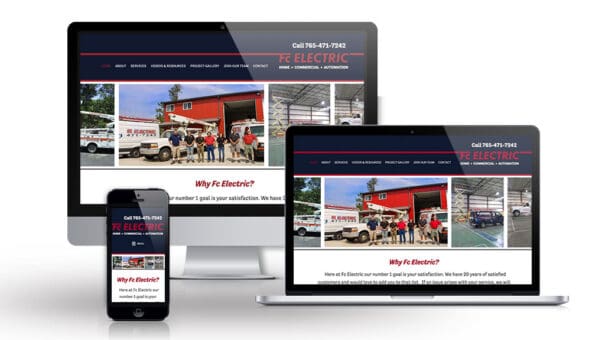
Electricians, don’t skimp on your website. Your website is the first impression people will have of your business, and you want it to be a good one. Learn more about how to make your website stand out.

Your website design and digital marketing are intertwined in many ways, and focusing on just may not get you the conversions you’re after. Find out how to improve both to get the best results.
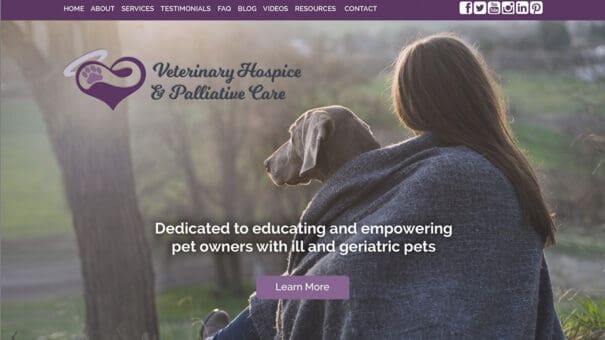
If you are a veterinarian, or own a veterinary practice or thinking of starting one, there are a few things you need to know about veterinary web design.
One time I had someone tell me they didn’t think they needed an about page, because they didn’t think anyone looked at those. And I had to break it to him that yes, in fact, people do look at those and they are one of the most looked at pages on a site. Of course,…

Your services page should be more than just a list of the services you offer. Find out how to make killer service pages that convert.

Have a website that you love? Have you ever considered that you could lose it on accident? How does one accidentally lose a website? It happens probably more than you would realize, and sometimes with tragic results.
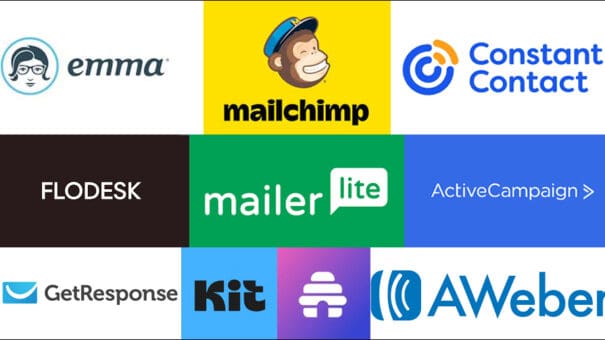
There are so many choices when it comes to newsletters. And they change all the time! So here’s my very important, very best answer to this question:
Use the newsletter manager that you find easiest to use!

Stop delaying your website launch while seeking perfection with your content. You’re not perfect, your website content may not be either and that’s okay.
Don’t just email blast your entire list. Segment your audience for a better return on investment.

Incorporating Google Reviews into your website is a great way to enhance credibility with potential customers. Learn how to add them to your website in today’s post.
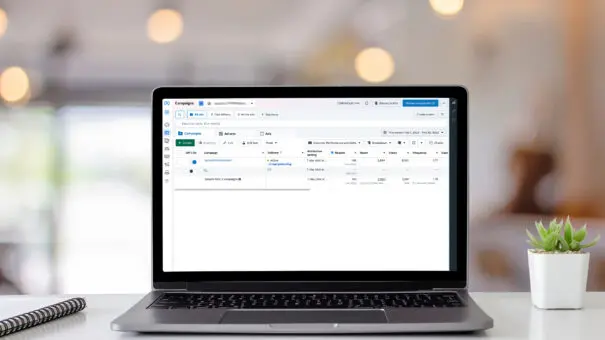
Running an ad campaign on Facebook can get you a lot of visibility and brand recognition. There are a lot of pitfalls too. Find out more in today’s post.

A seamless user experience (UX) is the cornerstone of a successful website. It’s what keeps visitors engaged, converts them into customers, and ultimately drives business growth. And sadly, it’s where a lot of people who are designing their website miss the ball. So today, let’s chat about user-experience, and go over five simple things you…